Front office, school shop, gallery and to-dos
Run the gate register, the school shop counter and the photo gallery from the same system as everything else, and keep every task moving with shared to-do lists.
Front office & campus in ClassDarpan
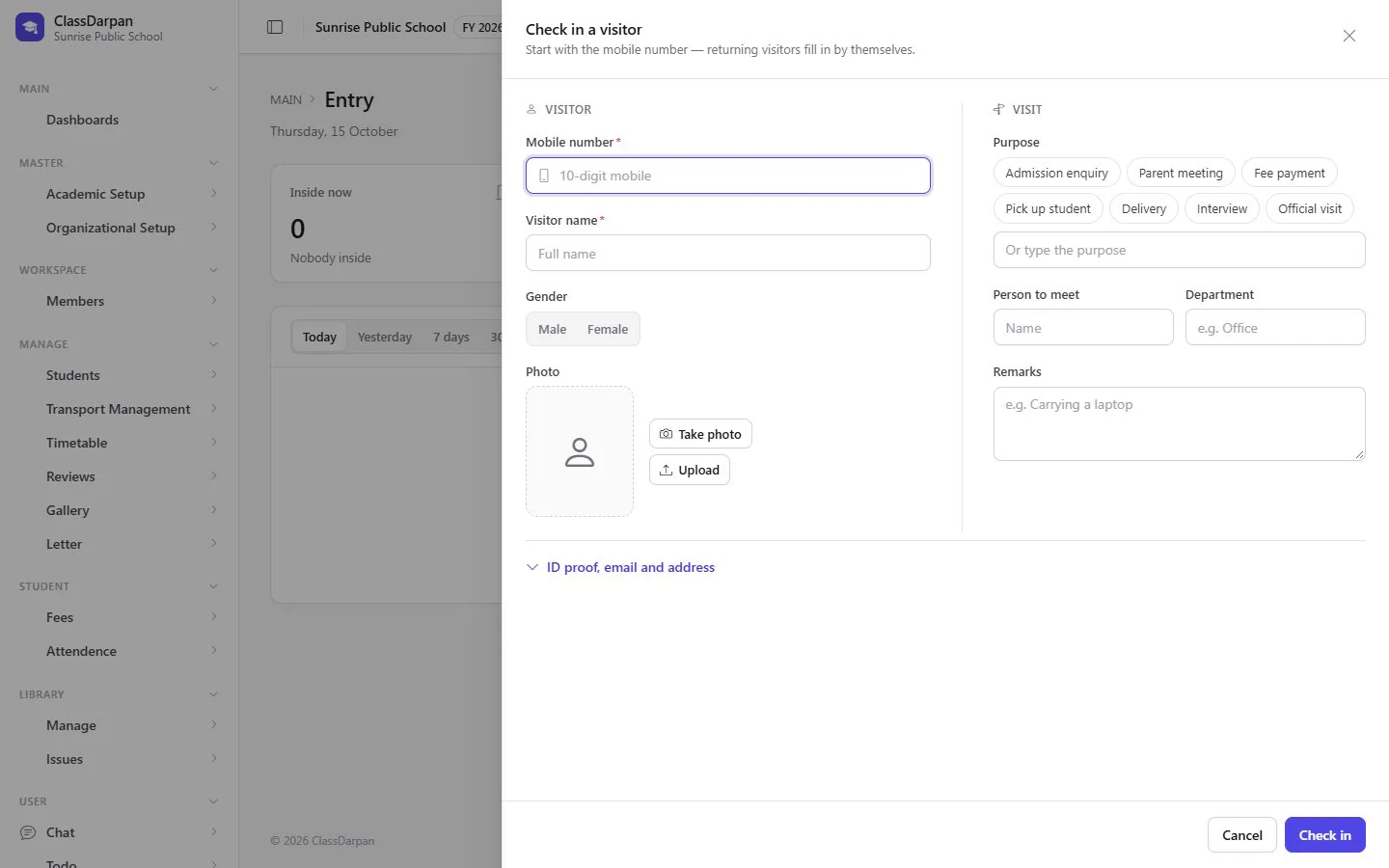
Visitor entry
Check visitors in, print a pass and check them out when they leave.
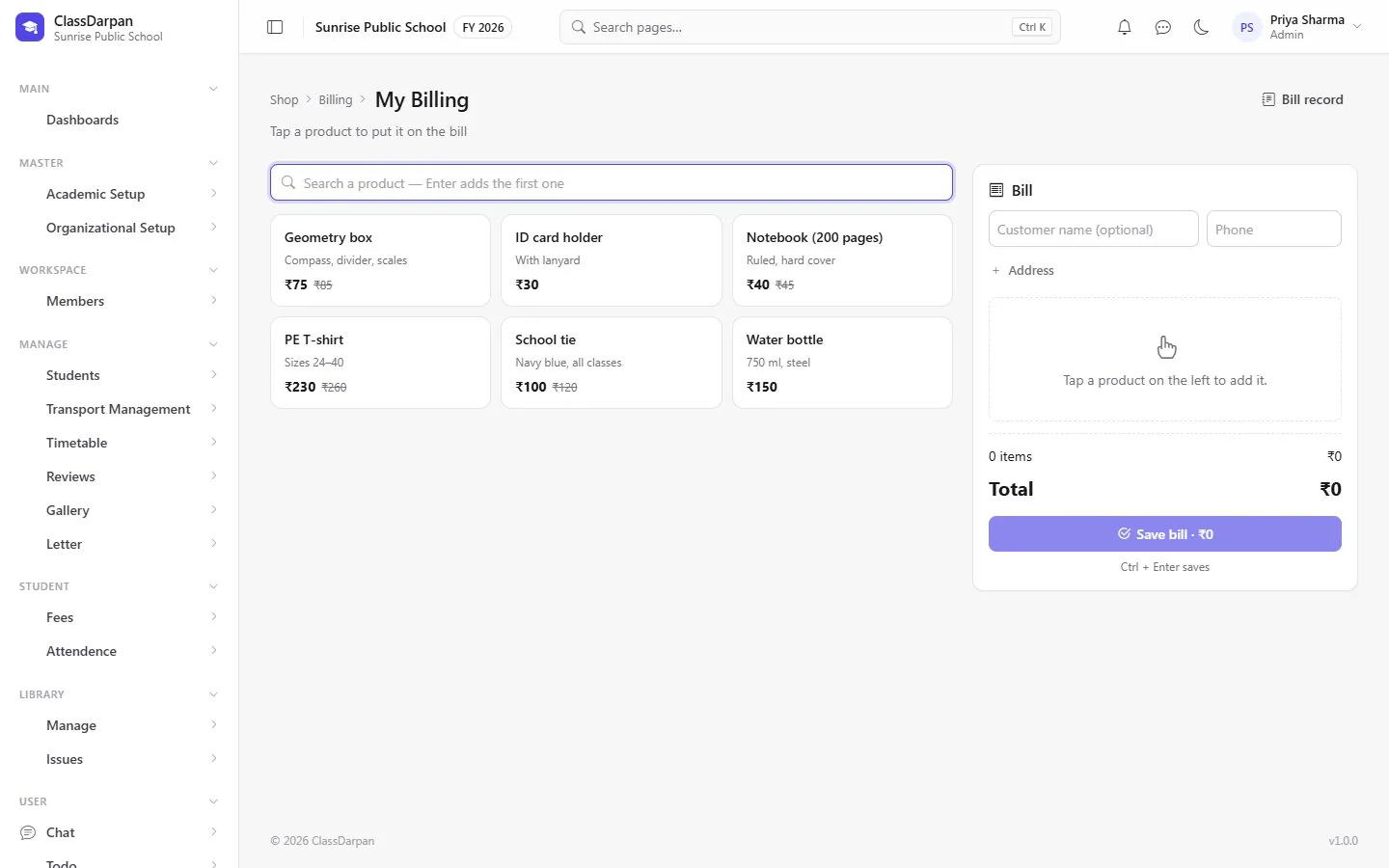
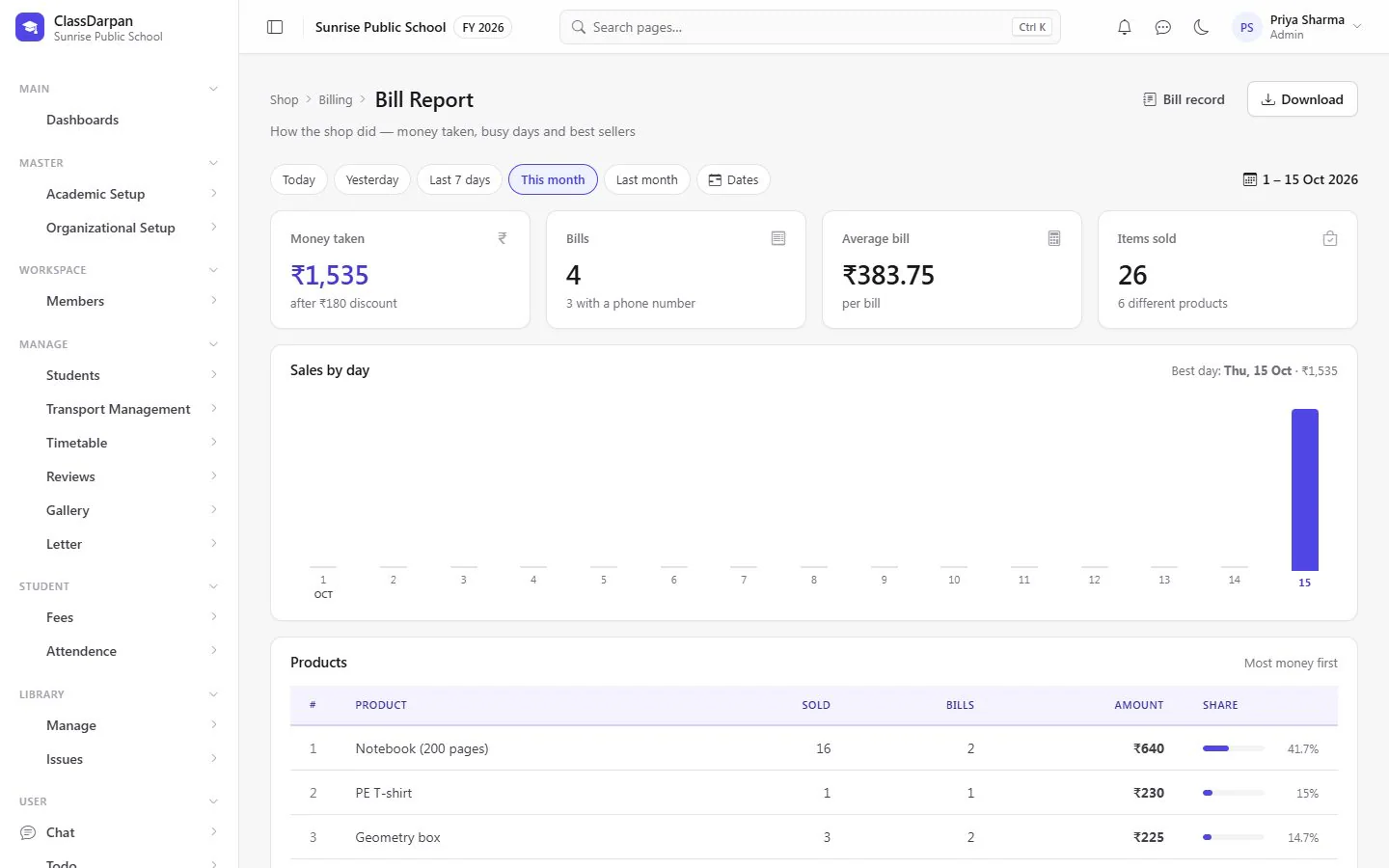
School shop
Sell notebooks and uniforms at the counter: tap products onto a bill, print it, see sales by day.
Gallery
Share the school’s photos by event, in the order you choose.
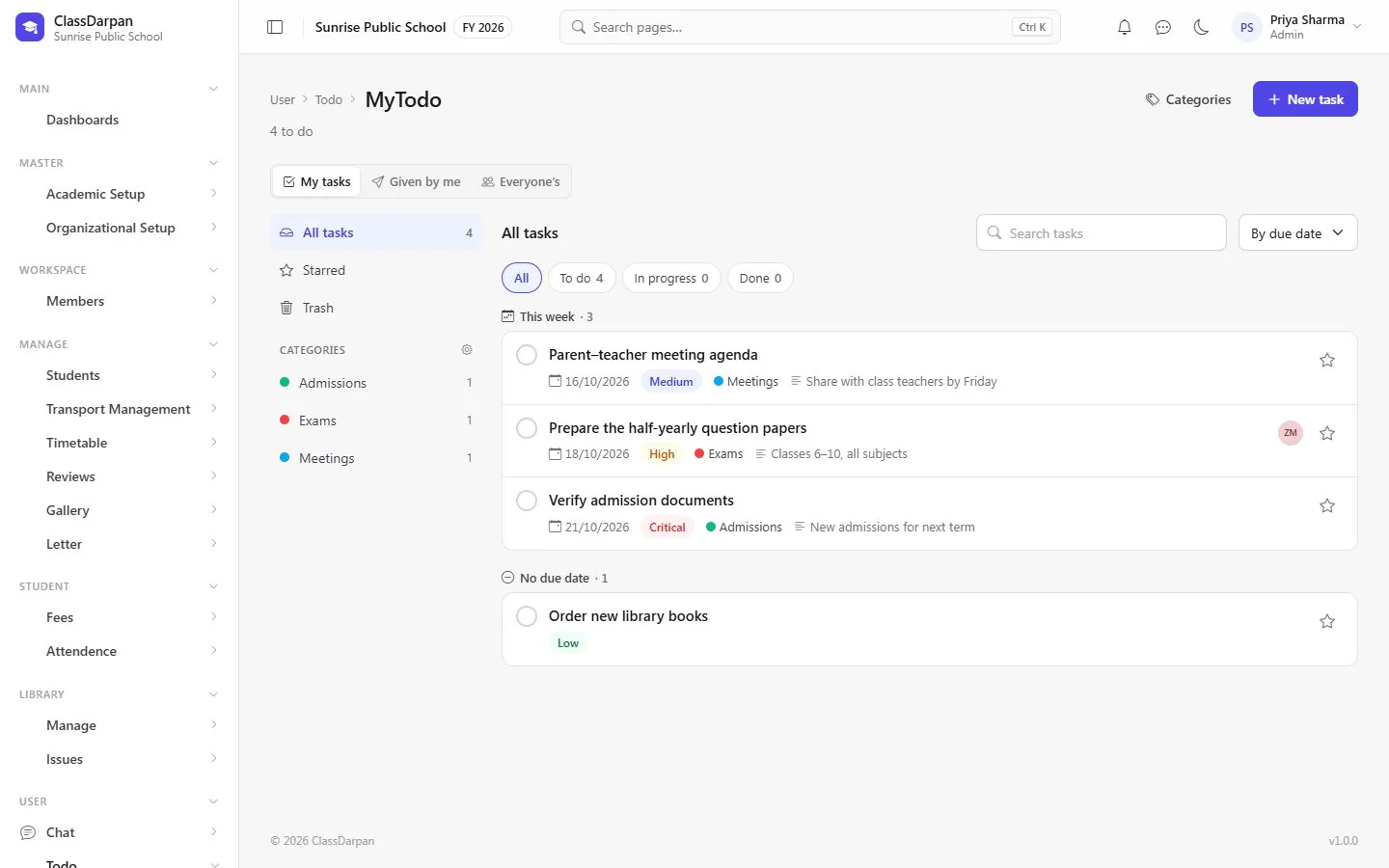
To-dos
Your own task list: assign tasks to others, follow progress and tick them off.
A closer look
Screens from ClassDarpan, shown with sample data from a demo school.
Front office & campus: frequently asked questions
Something else? Ask us — we reply within a working day.
Can the school shop print bills?
Yes. Make a bill at the counter and print it; old bills can be reprinted from the bill record.
Does the visitor register print a pass?
Yes. A pass can be printed when a visitor is checked in.
Works hand in hand with
Library
Books, authors and categories, issue and return at the desk, renewals, lost books and late fines.
Learn moreTransport
Buses with drivers, conductors, timings and stops, and each student’s pickup and drop points.
Learn moreFee management
Fee heads, class fees, concessions, late fines, a fast fee desk with printed receipts and clear dues.
Learn more
Try front office & campus in your school
Set up your school, import your students from Excel and go live. Try ClassDarpan free, or let us show you around.