Examination management from exam setup to report card
Create your exams, give them to classes, set maximum and pass marks per subject and let teachers enter marks with the keyboard. Results, grades and report cards are ready the moment the marks are in.
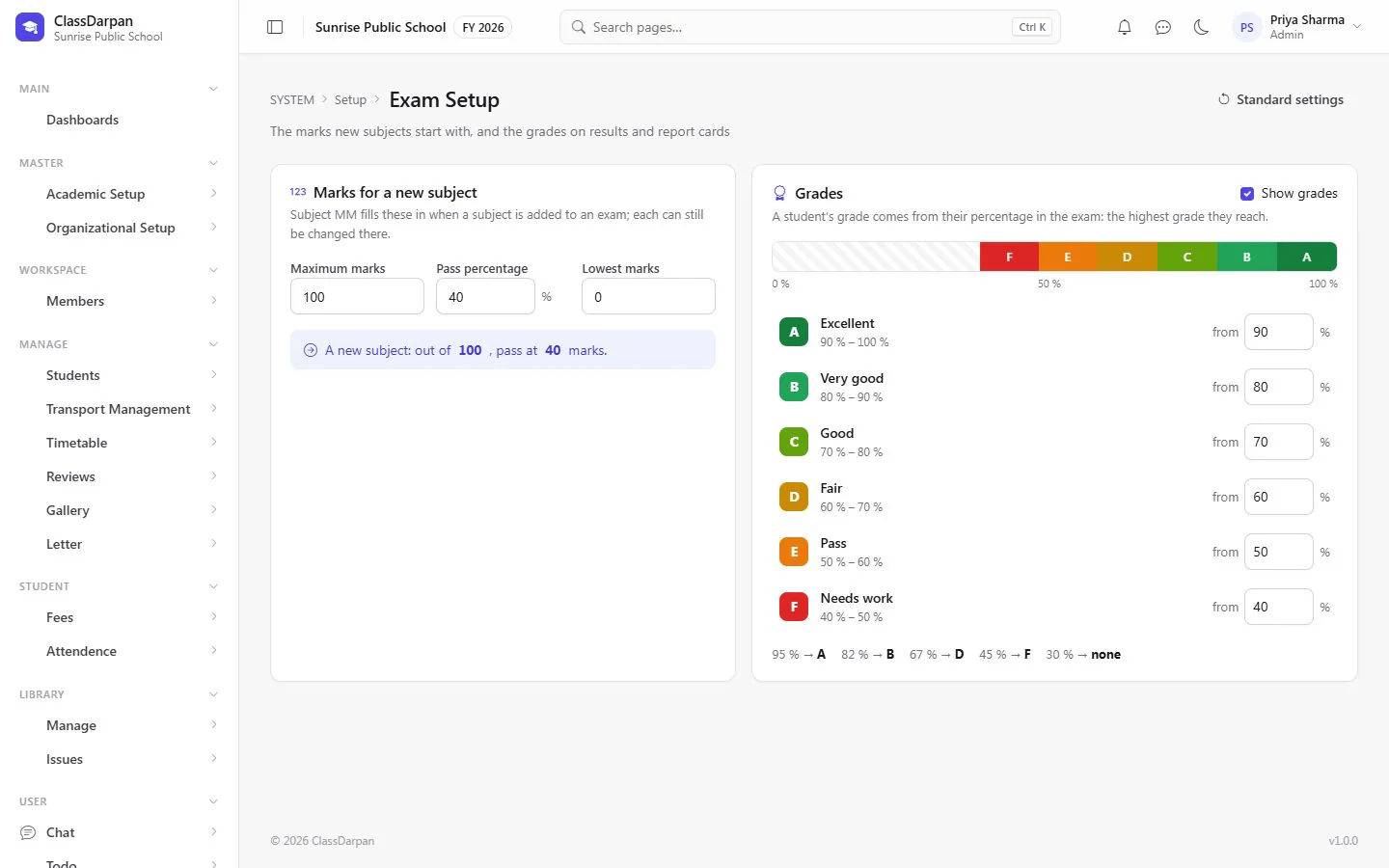
Exams & report cards in ClassDarpan
Exam types
Unit tests, half-yearly, finals — set up the exams your school holds.
Exams for each class
Give an exam to the classes that sit it, with dates for each subject paper.
Maximum and pass marks
Set the marks for every subject of every exam, or start from your school’s defaults.
Quick marks entry
Type a mark or AB for absent and press Enter to move down — progress shows for every class.
Grades your way
Turn on grades and set the A-to-F bands; results and report cards show them.
Results and report cards
See the result sheet for a class and print report cards for one student or the whole class.
Exams & report cards: frequently asked questions
Something else? Ask us — we reply within a working day.
Can we use grades instead of marks?
Yes. Turn on grades in Exam Setup and set the percentage for each grade from A to F. Results show both.
How do teachers enter marks?
Choose the exam and class, then type each student’s mark (or AB for absent) and press Enter to move to the next student.
Can we print report cards?
Yes. Print a report card for one student or for the whole class from the result report.
Works hand in hand with
Online MCQ tests
Courses and multiple-choice tests that students take online, marked automatically.
Learn moreHomework & reviews
Give homework to a class, let students see it at home, and keep reviews of each student with follow-ups.
Learn moreStudent management
Admissions in five short steps, complete student profiles, Excel import and year-end promotion.
Learn more
Try exams & report cards in your school
Set up your school, import your students from Excel and go live. Try ClassDarpan free, or let us show you around.