Online MCQ tests, marked the moment they are submitted
Build courses and multiple-choice tests, add questions one at a time or in bulk, and let students take them online. Results are worked out automatically for both students and staff.
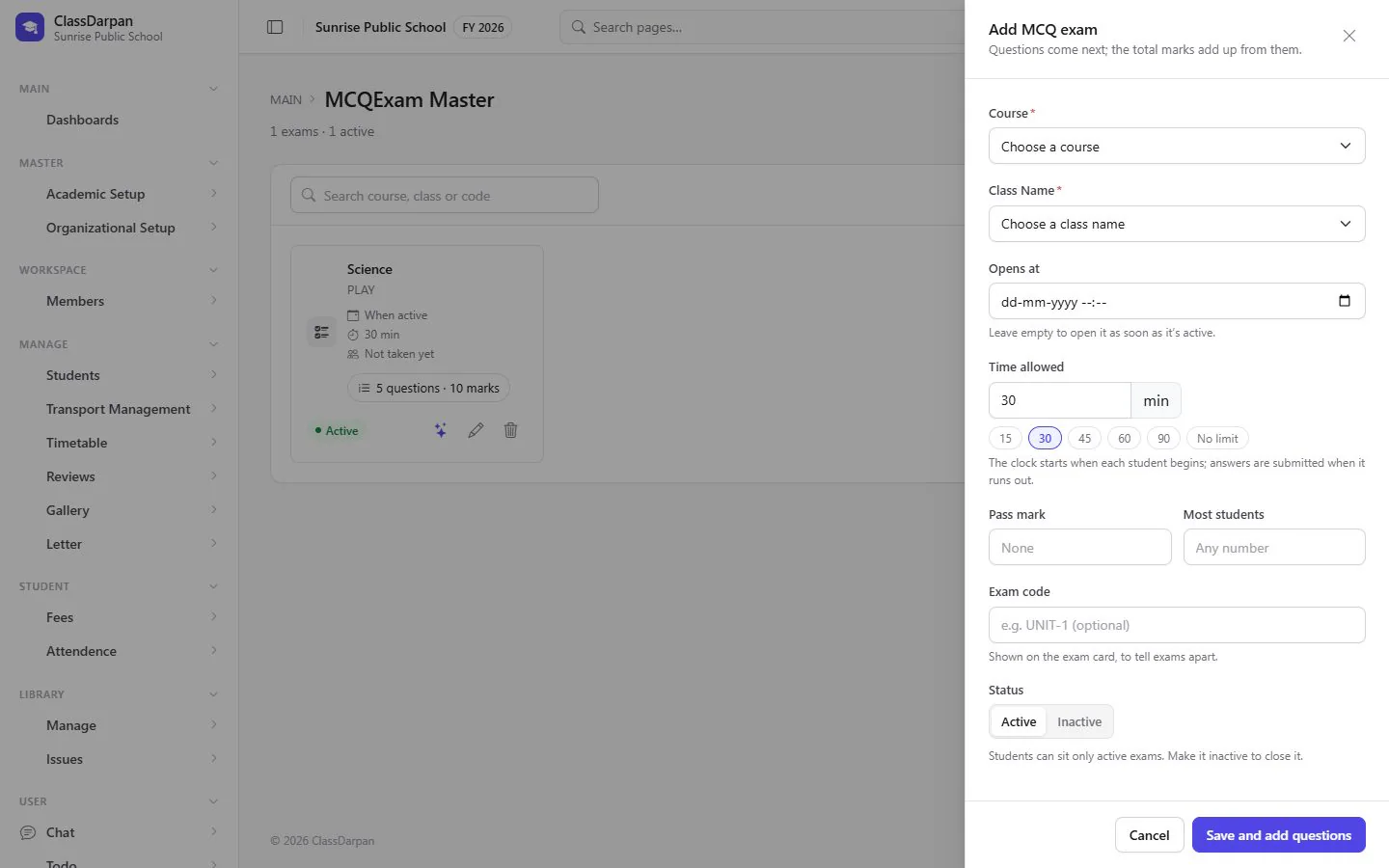
Online MCQ tests in ClassDarpan
Courses
Group tests into courses for a class or subject.
Three ways to add questions
Type them in, add several at once, or bring them in from a file.
Tests students take online
Students see their courses, start a test and submit their answers.
Automatic results
Scores are worked out on submission; students see their own, staff see everyone’s.
Online MCQ tests: frequently asked questions
Something else? Ask us — we reply within a working day.
Are MCQ tests marked automatically?
Yes. A test is scored as soon as the student submits it.
Can students practise at home?
Yes. Tests are taken online, so students can sign in from home on the web or the mobile app.
Works hand in hand with
Exams & report cards
Exam types, maximum and pass marks, fast marks entry, grades, results and printable report cards.
Learn moreMy AI assistant
An AI assistant for staff and students: draft notices, plan lessons, explain topics, make practice questions.
Learn moreHomework & reviews
Give homework to a class, let students see it at home, and keep reviews of each student with follow-ups.
Learn more
Try online mcq tests in your school
Set up your school, import your students from Excel and go live. Try ClassDarpan free, or let us show you around.